Nyxbo

— pixel-art studio. draw, animate, export.
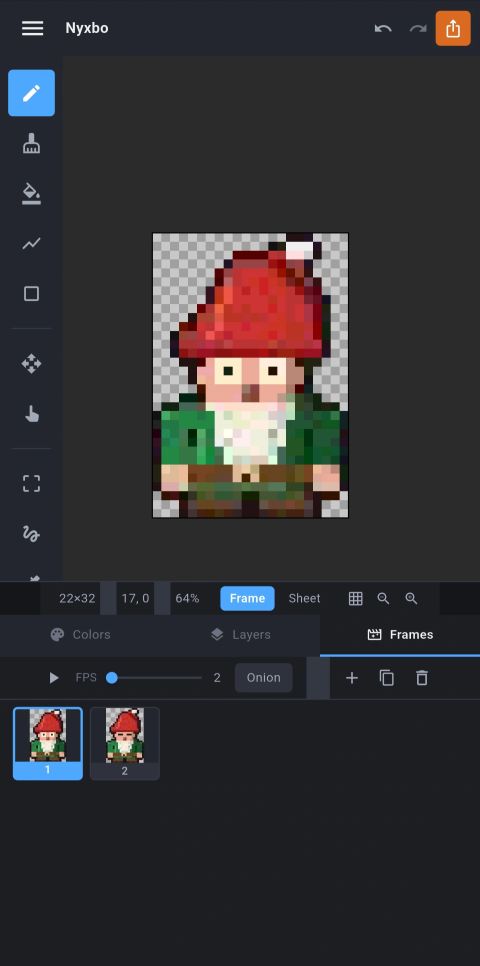
Nyxbo is a fast, focused pixel-art editor that fits in your pocket — and on your desktop. Draw sprites, build animations frame by frame, and export game-ready assets, all on your device, with no accounts and no cloud. Free, supported by a small banner ad.
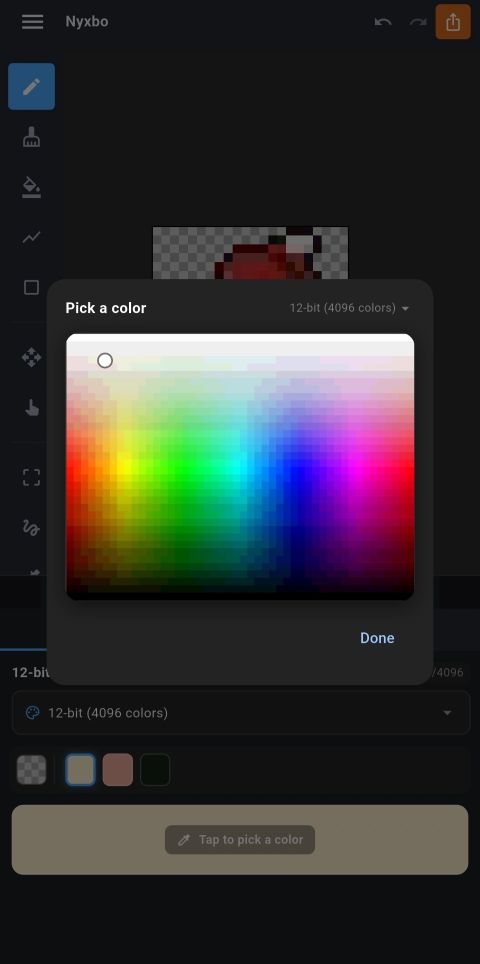
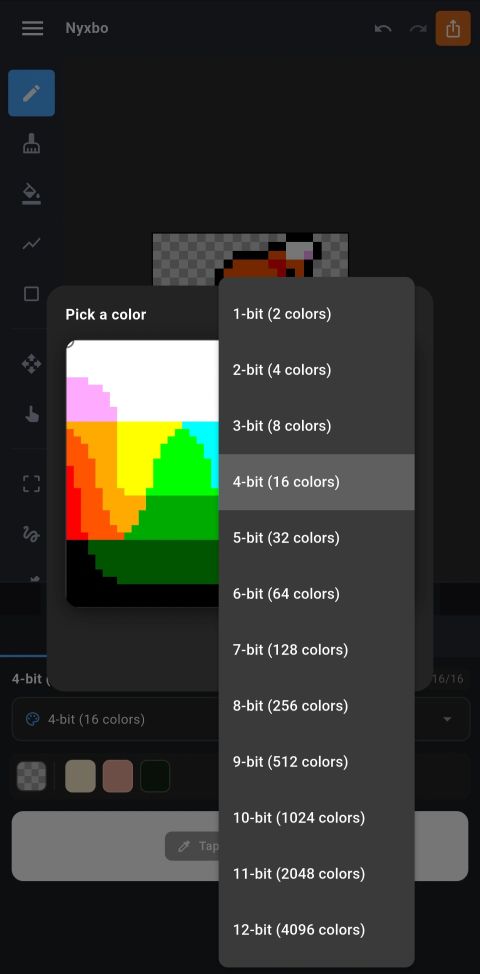
Built with Flutter, it runs on Windows, phones and tablets from the same codebase. Real RGB palettes for every bit depth from 1 to 12-bit (up to 4096 colors), a smooth drag-to-pick color square that always snaps to a real palette color, layers, onion-skinned animation, image import with a live before/after preview, a tileable-texture preview mode, and export to spritesheets, strips, separate frames, or animated GIF.
Nyxbo is currently in closed testing on Windows and Android. It's not on the public store yet — if you want in on the test round, send me a mail and I'll add you. The iOS version comes after the public launch.
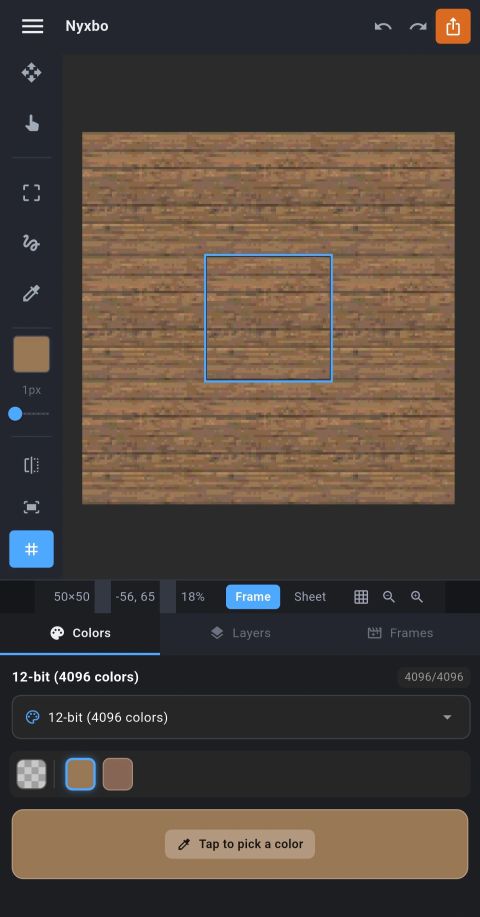
Screenshots
Current features
Everything you actually draw with
Pencil, eraser, bucket fill, line and rectangle, lasso & rectangle selection, move and move-all, and an eyedropper that snaps back to your last tool the moment it picks a color.
Real palettes, 1-bit to 12-bit
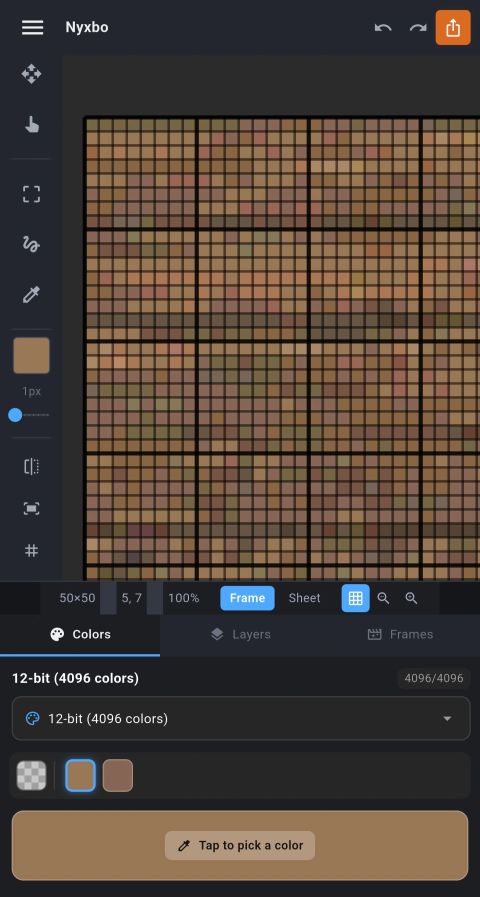
Up to 4096 colors. Format switching is fully undoable and non-destructive both ways — drop to 2 colors and climb back to 4096 without losing the original image. The drag-to-pick square always lands on a real palette color, never an invented one.
Opacity, visibility, reorder, duplicate
A normal layer stack that behaves the way you expect it to.
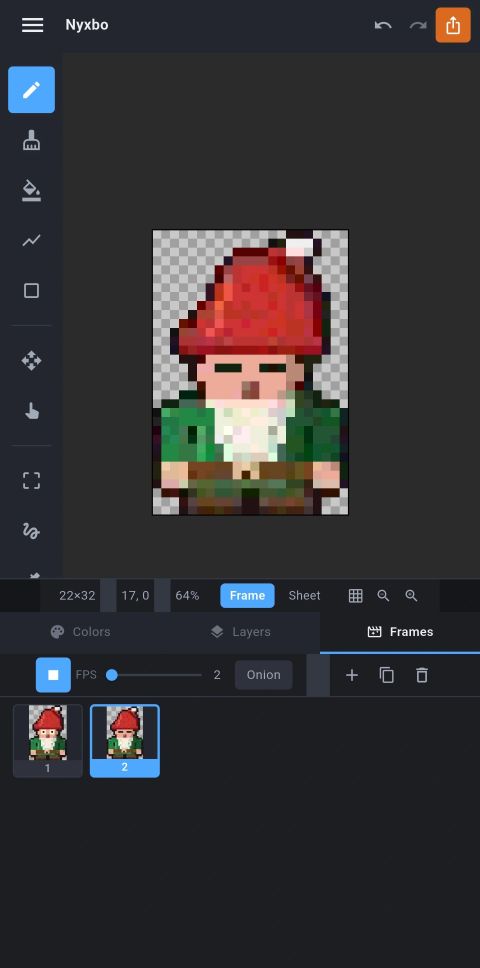
Frame by frame, with onion skinning
Adjustable FPS, live playback, and onion skin so you can see where the last frame was.
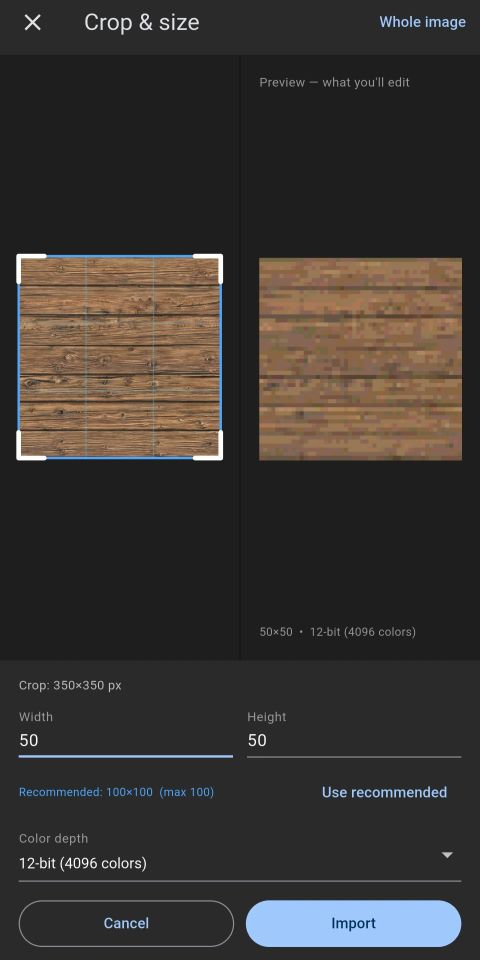
Any image or spritesheet, with a live preview
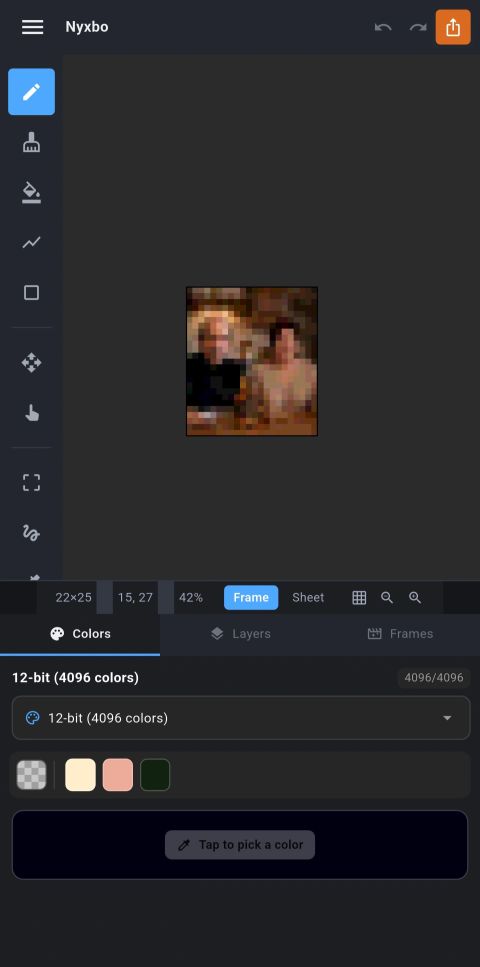
Crop, resolution and color depth update instantly in a before/after view — what you see is exactly what you get.
Tileable-texture preview mode
Surrounds the canvas with 8 live copies of itself, so seamless tile edges are visible while you draw them.
Two-finger pan & zoom, fit-to-screen
Move the whole image, snap back to fit, unlimited undo/redo.
Spritesheet, strips, frames, GIF
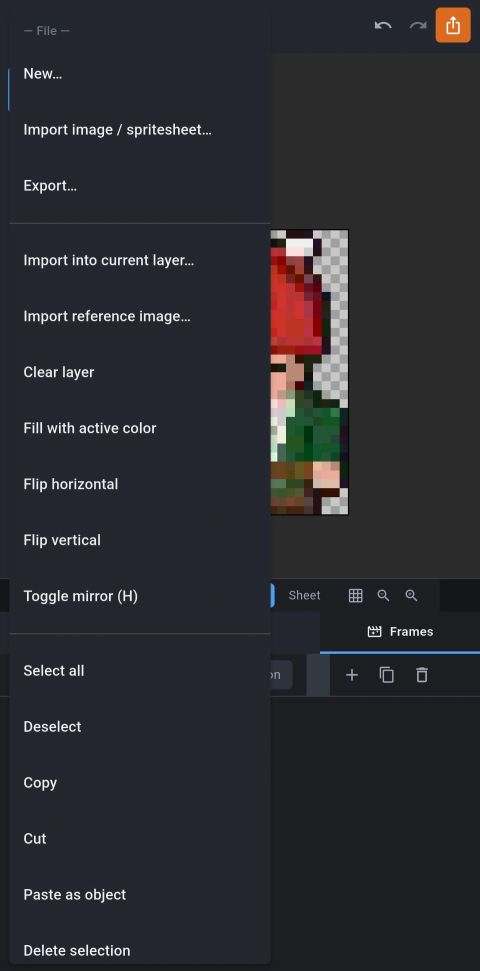
Spritesheet PNG + JSON atlas, horizontal/vertical strips, separate frames, upscaled PNG, single PNG/JPEG, or animated GIF — with a native save dialog so you name and place every file yourself.
Your art stays on your device
No accounts, no cloud, no upload. Free, with a small banner ad (Google AdMob).